Uses

During job hunting, employers (and even people like friends and family) often ask what equipment and software tools I use or I'm familiar with, so I hope this page answers their questions. This page is inspired by Adam Wathan's and Wes Bos' Uses pages.

Workstation

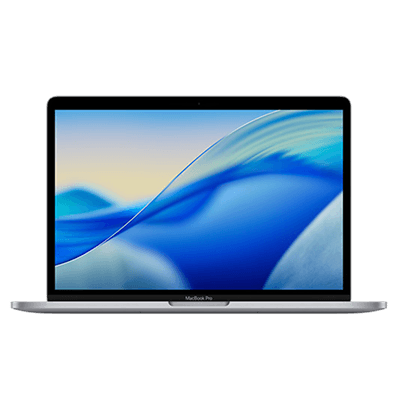
13-inch M1 MacBook Pro 8GB RAM (2020)

Before this laptop, I used a 4GB RAM ASUS laptop my aunt gave me in junior high school. That Windows laptop served me well but eventually fell behind as technology evolved and required higher specs. I endured slow processing during the COVID-19 pandemic until I could purchase a brand new first-generation MacBook Pro with Apple's M1 chip in September 2021. It's been excellent ever since, helping me through school and work. It's worth every penny, especially for software developers like me.

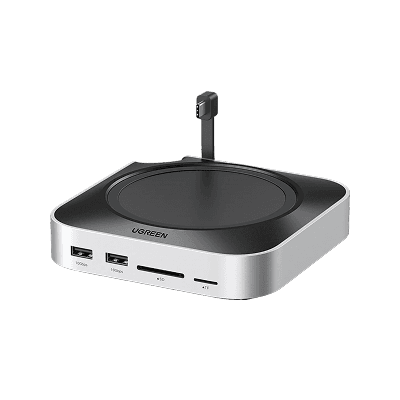
Vertical Laptop Stand

I used to have a standard laptop stand with fans underneath to cool my laptop when playing Minecraft Bedrock Edition with friends during our OJT days, but it took up extra space. I searched online for this specific stand, and it saved so much space on my desk.

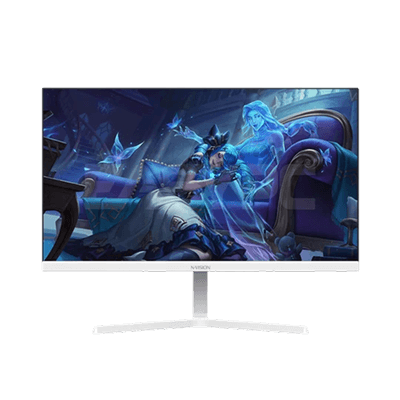
1920x1080 Nvision Monitor

Along the way, my MacBook Pro's display became insufficient for split-screen development (50% VS Code on the left, Figma or browser on the right), so I bought an external monitor. I was amazed by the increased resolution during setup, though it doesn't compare to MacBook Pro's Retina Display. The only downside is the refresh rate inconsistency—sometimes 100Hz is available in settings, sometimes only 50Hz or 60Hz. The issue might be related to the HDMI connection, but it is what it is for now.

Single Monitor Mount

The Nvision monitor is great, but it's not at eye level, so I purchased a monitor arm to elevate the screen and save space on my desk as well.

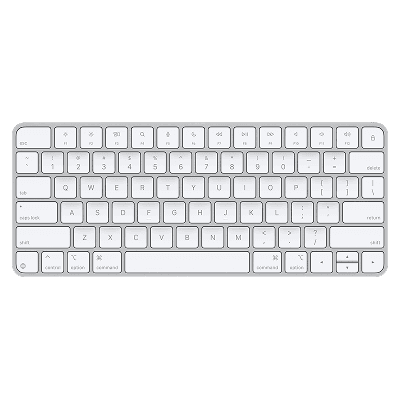
Apple Magic Keyboard

This is my second accessory that I bought in-store at the nearest Power Mac Center in our city. I like how compact and sleek it is, but the downside is that it causes hand strain because my fingers are long. I think this keyboard is best suited for people with small to medium hands.

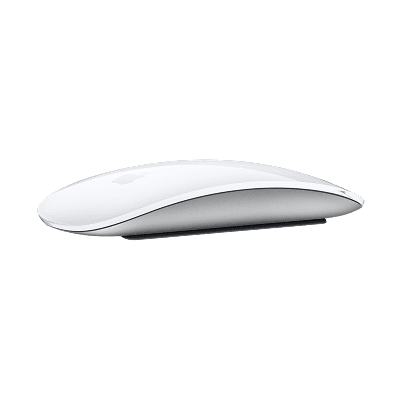
Apple Magic Mouse

This is my first Apple accessory I purchased online from The Loop by Power Mac Center to upgrade from the Logitech M350 Pebble Mouse. It's clicky and has gestures too. It lasts a long time, though the only downside is how it plugs into the charger, making it unusable while charging—impossible with its current design.

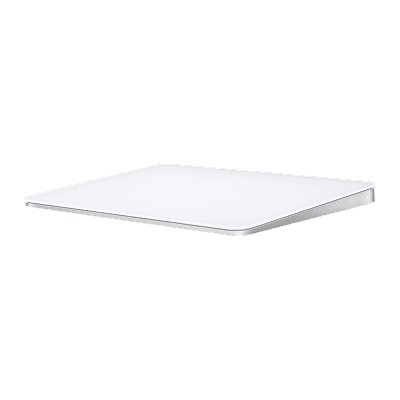
Apple Magic Touchpad

This is my third and probably last accessory that I also got from the nearest Power Mac Center where I live. It offers more gestures than the Magic Mouse. I switch to a regular mouse when I play Minecraft because who in their right mind would play Minecraft with a touchpad?

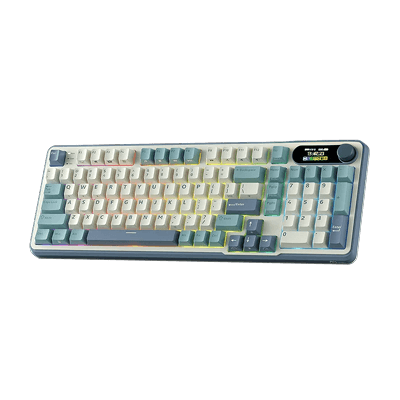
AULA F75 Mechanical Keyboard

I previously had a mechanical keyboard before this one. The previous one was clicky; this one sounds creamy and has RGB too! The old one only had one light color—white (or kind of dirty white).

inphic DR6 Wireless Mouse

The Apple Magic Mouse is already great. I just wanted a standard mouse that isn't clicky. This one is it.

Wrist Rests for Keyboard and Mouse

These support my wrists, especially when I'm using the mechanical keyboard. They're great for long coding sessions to prevent wrist strain.

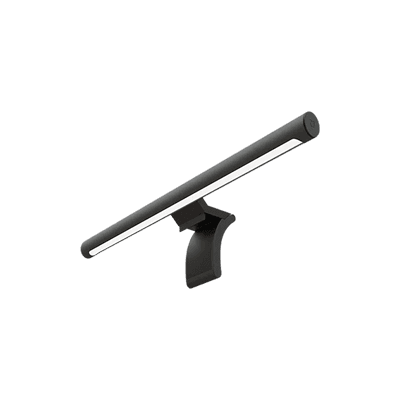
Xiaomi Eye Protect Monitor Light Bar

I used to have a standard table lamp, but then I decided to purchase this light bar to save space on my desk again. It comes with a wireless remote that I can use to adjust the color from white to yellowish and its brightness as well.

MODOFO Screen GameSync Light RGB LED

This is attached behind my Nvision monitor and I've been loving it. I always use the white color option to match the light bar, trying to maintain a cozy workspace. I also enable Game Mode, which syncs to the screen colors when I'm playing Minecraft Java Edition.

Development Tools

VS Code

I use this to obviously code websites and handle backend stuff. I always use the embedded GitHub Copilot to help me solve and debug things efficiently, unlike before when I had to search online for specific solutions and read Stack Overflow posts just to get what I wanted.

Cursor

This is similar to VS Code, and I used it during my OJT to build a hybrid mobile application. I like the Tab feature where it knows most of the time what you want to do next—something VS Code's GitHub Copilot can do too, but not as well as Cursor's. It's more intelligent than GitHub Copilot based on my experience so far.

iTerm2

I'm not sure what the difference is between this and macOS's native Terminal app, but I still use it since it allows me to configure my terminal's appearance and add autosuggestions with the help of zsh.

GitHub Desktop

I'm not much into Git's CLI, so I use this app to make things easier, though I still use CLI commands like git push, git pull, and Git aliases plugin in zsh.

Claude Code

This AI saved me from debugging bugs and errors that I couldn't solve right away. I also used it to migrate a small Express app to TypeScript, which now works perfectly and improved the developer experience.

Gemini CLI

I paused my Claude subscription since it's kind of expensive, and luckily I have a year of free Google Gemini Pro. I just installed the CLI, connected it to my account, and there it is. Although I still prefer Claude Code.

Postman

I started using this when I became a part-time Back-end Developer at 8box Solutions since I'd be handling backend tasks and testing controllers and routes before pushing them to production for front-end developers to use. I also use it to publish API documentation for the team, though I'm not sure if they actually view it since they also ask for the collection (.json) whenever I send them the published link.

ServBay

XAMPP is ugly and slow on macOS, and MAMP takes too long to download (which I previously preferred over XAMPP) even though my internet is around 200Mbps. ServBay is different. It's fast, beautiful, and doesn't take up much RAM so far. It also has a package manager for languages where I can choose which version to install on my laptop, like PHP, Node.js, Bun, Python, and more.

Design

Figma

This is where I design before developing websites since I started freelancing in 2021. I use it together with Untitled UI to create designs quickly.

Framer

I started using this when I became Tech Team Leader at Digital Launchpad. We used it to revamp the landing page and build our first foreign client's site. It's been great so far, though I still prefer web development where I code everything. Framer has some limitations that made me miss the more technical side of web development in mid-2025.

Productivity

Obsidian

I love this app so much that I used it to create the content for this page before adding it to my website. I use it to create templates for repetitive daily notes, reports, and logs for both personal and work purposes, and I even used it to plan things before sharing with my group mates during college. I love it because it's essentially a plain text editor—though technically a Markdown editor, which I also love. Paired with community plugins, it's chef's kiss.

CleanShot X

I use this to replace the built-in screenshot tool in macOS. Plus, it can capture windows and I can choose whether to add a background or not—something the built-in screenshot tool can't do. I use this to showcase designs that are already functioning in a browser and show them to clients or my seniors.

TextSniper

I use this to copy text from images. Very useful during college when I wanted to capture the professor's presentation. This is also useful for reading QR codes.

Rectangle

Before macOS's recent update, there was no built-in window management like Windows has. There's a split-screen feature on macOS, but it becomes fullscreen. Rectangle solves this issue. It offers a variety of window distribution sizes. I still use this over the built-in window management in macOS.

Screen Studio

This one was expensive, but it's worth every penny. I can create beautiful screen recordings without animating anything. It zooms based on where the cursor is, shows clicks, keyboard shortcuts, and more. Great for showing demos to clients.

Notion

You might have already heard of Notion before. I always used this to track assignments and deadlines in school, but I'm now using it to track my expenses and budget money nowadays.

Notion Calendar

This is another calendar app from Notion. This used to be Cron, but Notion acquired them. Google and Apple Calendar are great, but I like having my calendars visible in one app, so this one is good. Plus, the user interface is great. I like my tools to look beautiful.

Notion Mail

I use this sometimes when I feel like it. I still prefer using Gmail for sending emails.

Spark

I think I've been using this since the midst of the COVID-19 pandemic. I can add multiple email accounts here and have them show in one inbox. I always do Inbox Zero on every email account I have, so this one is great too.

Todoist

I used to have this open every day on my laptop, but now I've transitioned back to writing to-do items in a notebook. I still use this occasionally when I want to capture something right away, mostly links.

Games

Clash of Clans

I've been playing this since its prime era. I'm in Town Hall 12 already.

Mobile Legends: Bang Bang

This is what I play most days after work. I play ranked games with my friends. I used to play solo queue and was a "skinner" before. I wish I could get a refund for what I've spent on this game.

Minecraft Bedrock and Java Edition

I've been loving Minecraft this year. It all started when my schoolmates and I bought Minecraft Bedrock Edition on the Play Store because it was on sale (I think it's still on sale) and it only cost ₱49.00, which is a steal. We played Bedrock Edition through Realms. After our OJT, we became inactive on Minecraft. I've bought the Java Edition as well and already have a Forever World set up there, which I've been updating from time to time whenever I'm not busy. I'm more of a builder than a miner, by the way.